Lambo Play App Login Problems: Can't Sign In on Mobile?
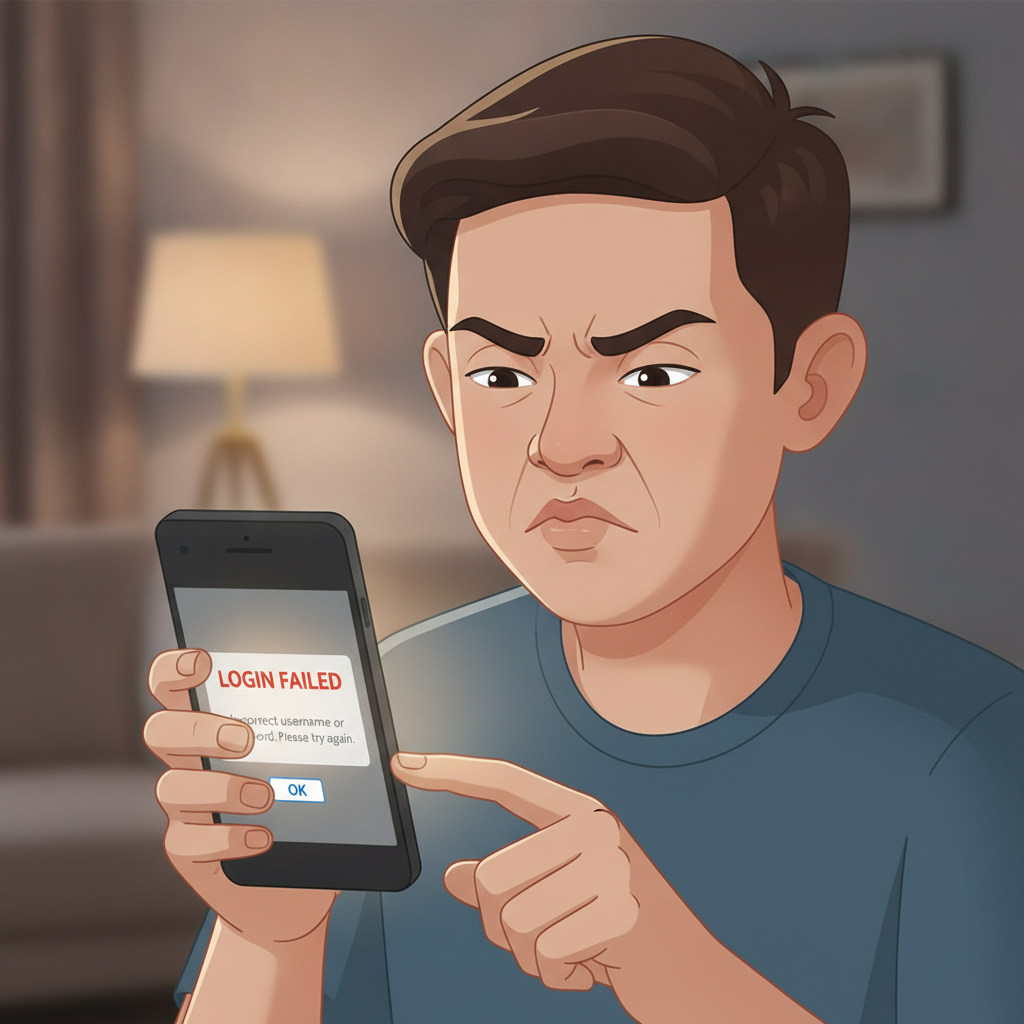
Lambo Play App Login Problems: Can't Sign In on Mobile?
When you can't log in to the Lambo Play app on your Android phone, it usually means one of a few common issues: you've entered the wrong password, your account has been locked, your session has expired, or the app's stored data needs clearing. This guide walks through each problem and how to fix it so you can get back to your games and bets.
This guide is for players 21 and over. Keep your login details private and secure. If you find yourself spending more time or money than planned, use Lambo Play's deposit limits or take a break.
Common Lambo Play Login Errors
Most mobile login problems fall into these categories:
Wrong password or username
You'll see a message like "Invalid credentials" or "Login failed." Double-check that you're typing your registered mobile number or email exactly as you signed up, and that your password has no extra spaces. Remember that passwords are case-sensitive.
Account locked or suspended
If Lambo Play has flagged unusual activity—such as multiple failed login attempts, a verification document that didn't match, or a chargeback dispute—your account may be temporarily locked. The app will usually display "Account locked" or "Contact support."
Session expired
You might see "Session expired, please log in again" if you've been idle for a long time, or if you logged in on another device. This is a security feature; simply enter your credentials again.
Verification required
Some players see a message asking them to complete ID verification before they can log in, especially after a withdrawal request or a large deposit. You'll need to upload a valid government ID and sometimes a selfie or proof of address.
App or server maintenance
Occasionally Lambo Play schedules brief maintenance windows, typically late at night. If the app says "Service temporarily unavailable," wait 15–30 minutes and try again.
How to Reset Your Lambo Play Password Inside the App
If you've forgotten your password or suspect it's been entered incorrectly too many times, follow these steps to reset it directly in the Lambo Play Android app:
- Open the Lambo Play app and tap the login screen.
- Look for "Forgot Password?" or a similar link below the password field.
- Enter your registered mobile number or email address. Make sure it matches the one you used during sign-up.
- Tap "Send code" or "Request reset link." Lambo Play will send a six-digit OTP to your mobile number via SMS, or a reset link to your email.
- Check your messages. If you chose mobile, open the SMS and copy the code. If you chose email, open the message and tap the reset link.
- Enter the OTP or follow the link. The app will prompt you to create a new password.
- Choose a strong password. Use at least eight characters, mixing letters, numbers, and a symbol. Avoid obvious choices like "12345678" or your birth date.
- Confirm and save. Log in with your new password.
If the SMS or email doesn't arrive within five minutes, check your spam folder or request a new code. Make sure your mobile number in the app matches your SIM card's number—some players register with one number but use a different SIM later.
Clearing App Cache and Data on Android to Fix Sign-In Loops
Sometimes the Lambo Play app gets stuck showing "Loading" or loops back to the login screen even after you've entered correct credentials. This happens when corrupted cache or outdated session tokens confuse the app. Clearing the cache and data usually fixes it.
Before you start: Clearing data will log you out and remove any saved preferences, but it won't delete your account or balance. You'll simply need to log in again.
Step-by-Step: Clear Cache and Data
- Exit the Lambo Play app completely. Swipe it away from your recent-apps list.
- Open your phone's Settings.
- Tap "Apps" or "Applications." (On some Android versions this is under "Apps & notifications.")
- Scroll down and find "Lambo Play" in the list.
- Tap "Storage" or "Storage & cache."
- Tap "Clear cache" first. This removes temporary files but keeps your login session intact—sometimes this alone solves the problem.
- Try logging in again. If it still loops or fails, go back to Storage and tap "Clear data" or "Clear storage." Confirm when prompted.
- Reopen the Lambo Play app. It will look like a fresh install. Enter your username and password.
Clearing data resets the app to factory state on your device, which often resolves sign-in loops, frozen screens, or "session expired" errors that won't go away.
If Clearing Data Doesn't Work
- Check your internet connection. Switch between mobile data and Wi-Fi to rule out network issues.
- Update the app. Open the site where you downloaded the Lambo Play APK and see if a newer version is available. Older builds sometimes have login bugs.
- Restart your phone. A full reboot clears system-level cache and can fix background processes blocking the app.
When to Contact Lambo Play Support for Account Verification Issues
If you've reset your password, cleared cache and data, and still can't log in, the issue is likely on the account side rather than the app. Here's when to reach out to Lambo Play customer support:
Account locked or suspended
If the app says "Account locked," contact support via live chat or email (usually support@lamboplay.com or the in-app help button). Provide your registered mobile number or email, and ask why the account was locked. Common reasons include multiple failed login attempts, incomplete KYC (know-your-customer) documents, or a payment dispute. Support will tell you what documents or steps are needed to unlock it.
Verification documents rejected
When Lambo Play asks you to verify your identity—often before processing a withdrawal—you'll upload a photo of your government ID (UMID, driver's license, passport, or postal ID) and sometimes a selfie. If these are rejected, support will explain why: the image may be blurry, the ID is expired, or the name doesn't match your account. Resubmit clear, well-lit photos and wait for confirmation.
Pending withdrawal blocking login
Rarely, a large pending cashout triggers extra security checks. You may see a message asking you to verify your identity before logging in again. Follow the prompts to upload documents, or contact support if the instructions aren't clear.
Account registered under a different number or email
If you can't remember which mobile number or email you used during sign-up, support can look up your account by name and birth date. Be ready to answer security questions and provide ID proof.
Two-factor authentication (2FA) issues
If Lambo Play has enabled 2FA for your account and you've lost access to your authentication app or SMS number, support can help you reset it. You'll need to verify your identity with your ID and other account details.
How to Reach Lambo Play Support
- Live chat: Open the Lambo Play app or website, tap the help or support icon (usually a speech bubble or headset), and start a chat. Available 24/7 for most queries.
- Email: Send a message to the support address listed in the app footer, including your registered mobile number and a brief description of the problem.
- Phone: Some players see a hotline number in the app's Contact section; call if you prefer speaking to an agent.
Response times are typically under an hour for live chat, and within 24 hours for email.
Keep Your Lambo Play Login Details Private and Secure
Login problems are frustrating, but they're also a reminder to protect your account:
- Never share your password with anyone, including friends or customer-support agents. Legitimate support will never ask for your password.
- Use a unique password for Lambo Play—don't reuse the same one you use for GCash, Maya, or social media.
- Log out when using a shared or public device. Always exit the app completely if someone else might pick up your phone.
- Enable two-factor authentication if Lambo Play offers it in account settings. This adds an extra code sent to your phone each time you log in.
- Monitor your account activity. Check your bet history and transaction log regularly. Report anything unfamiliar to support immediately.
Final Checklist: Fixing Lambo Play App Login Issues
- Double-check your username and password for typos or wrong capitalization.
- Reset your password inside the app if you've forgotten it or locked yourself out.
- Clear app cache and data in Android settings if you're stuck in a sign-in loop.
- Update the Lambo Play APK to the latest version if you're running an old build.
- Contact support if your account is locked, verification documents were rejected, or none of the above steps work.
- Keep your login secure: use a strong, unique password and log out on shared devices.
Lambo Play is for players 21 years and older. Gamble responsibly, set deposit limits if you need to, and reach out for help if betting is affecting your finances or well-being.
This is an independent guide. Lambo Play is a third-party platform; always confirm current procedures and support contact details in the official app or website.